If your ads bring clicks but almost no leads or sales, the problem is often not Google Ads at all. The ad brings a person to your website, and then the customer gets lost: a slow or confusing page, a broken form, a missed call, a slow reply from sales, a weak offer, or analytics that measure the wrong thing. Before you replace your PPC specialist or cut the budget, check the whole chain from click to payment.
I have been setting up and managing Google Ads for more than 9 years, and very often the main problem I find in an audit sits outside the ad account. Below I will show where customers get lost and how you can check it yourself, no technical background needed.
How to tell the problem is not the ads
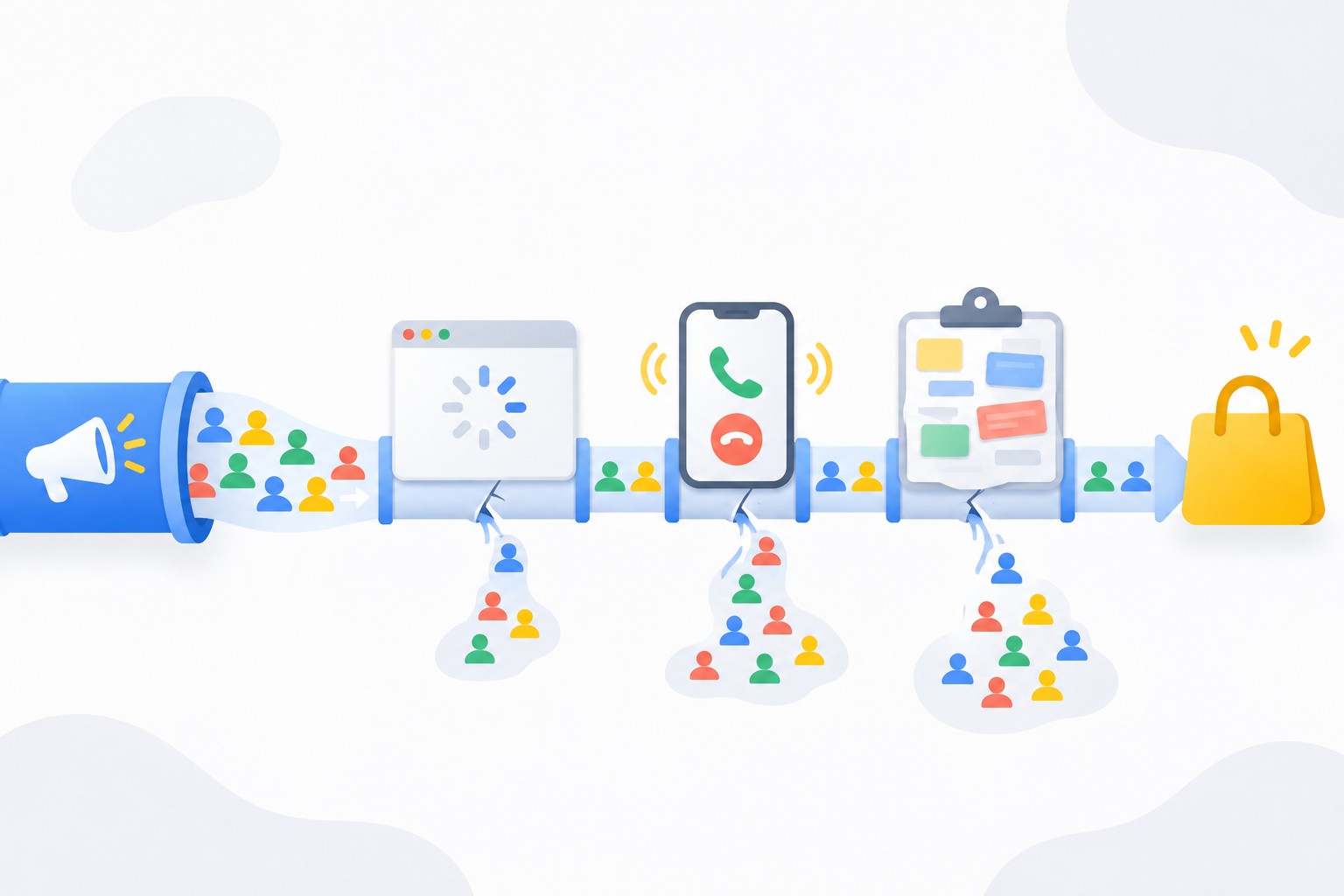
Ads are responsible for bringing the right people to your site. Everything after the click belongs to the website, the sales team and analytics. The problem is most likely not the ads if you see at least one of these signs:
- there are enough clicks and visitors, the search terms report shows relevant queries, but leads are few;
- you get leads, but only a handful turn into sales;
- your team says “nobody calls”, while the ad data shows calls;
- Google Ads shows one number, your CRM shows another, and nobody can explain the gap;
- competitors in the same niche get steady leads with a similar budget.
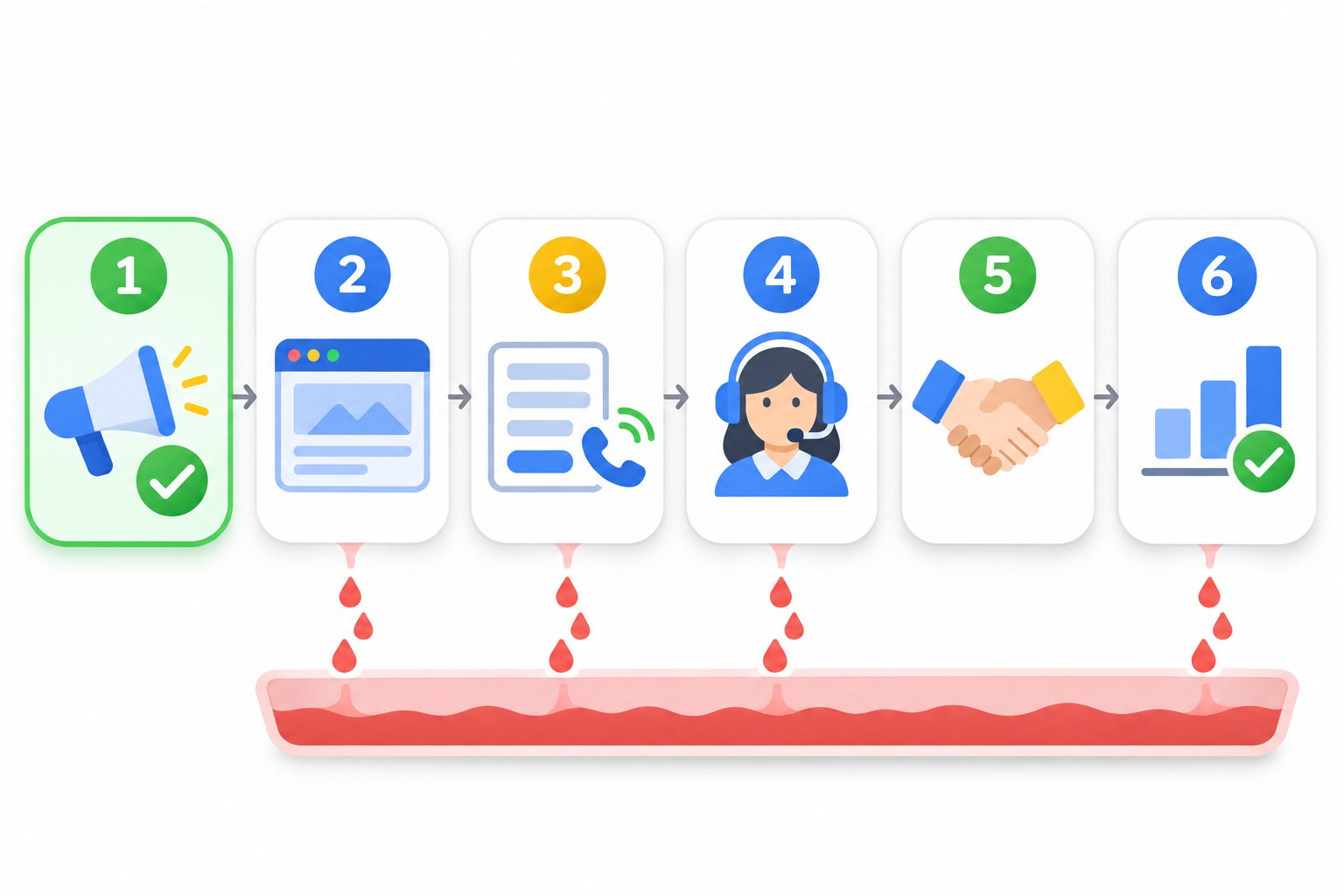
It helps to picture the customer journey as a chain of six links: ad click, website, lead, follow-up, sale, analytics. A weak link anywhere cancels out the work of all the others.
Reason 1. The website does not convince
Someone clicked your ad, so the interest is there. Now the site has a few seconds to confirm: “yes, you are in the right place, here is what you get and why you can trust us”.
Slow loading and a poor mobile experience
In most niches, the bulk of search traffic now comes from phones. If the page loads slowly, the buttons are tiny and the text runs off the screen, people simply go back to the search results and click a competitor. And you have already paid for that click.
The check is simple: open your site on your own phone over mobile data, not office Wi-Fi. If it is awkward for you, it is awkward for customers. For numbers, use Google’s free PageSpeed Insights.
Key questions go unanswered
People arrive with a specific question: how much, how fast, where are you, do you deliver, what is the warranty. If the answers are not on the first screen, or at least on the page, they will not call to ask. They will leave for a site that answers. “Price on request” without even a “from” figure also cuts off part of your leads.
No trust signals
Real contact details with an address, reviews, photos of your work or team, company details, clear payment and return terms. These are not decorations. They are what people use to decide whether to leave their phone number with a company they do not know.
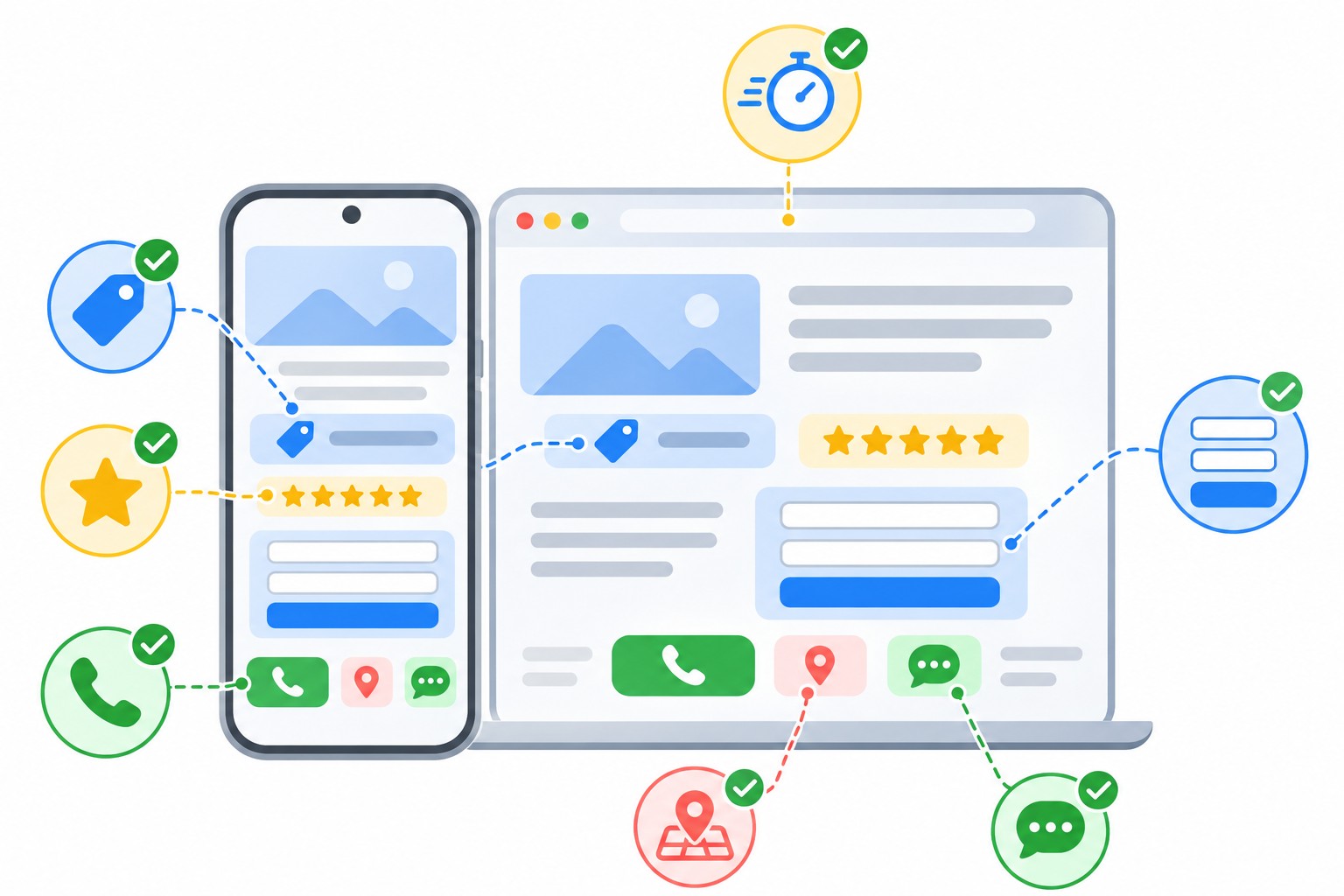
Reason 2. Leads get lost on the way
This one hurts the most: the customer is ready, but the request never reaches you. In audits I regularly see:
- the form submits, but the email lands in spam or in an inbox nobody reads;
- the form broke after a site update, and nobody noticed;
- the phone number is not clickable on mobile, so people have to copy it by hand;
- the messenger button points to an old number or a chat nobody checks;
- the form has too many required fields, and people abandon it halfway.
Once a week, send a test lead through every form and every contact option on the site, and check whether it arrived and how fast someone replied. To see form submissions in analytics, you need to track them properly. I explain how in my guide to tracking form submissions with Google Tag Manager.
Reason 3. Calls and leads are handled poorly
Even perfect ads do not sell on their own. The person who picks up the phone does. Typical losses:
- nobody answers calls after 6 pm or on weekends, while the ads keep running;
- web leads get a call back hours later or the next day, after the customer has already bought elsewhere;
- the sales rep does not know prices or terms and says “let me check and call you back”;
- missed calls are never returned because nobody can see them.
Response speed matters a lot. Someone who leaves a request with you has usually left it in two or three other places too, and the first company to reply usually wins. If you want to see every call, every missed call and the source of each one, consider a cloud phone system with call tracking.
A simple test: ask a friend to call and submit a request like a regular customer. Listen to how the conversation went and time how long it took to reply to the web request.
Reason 4. Your offer loses to competitors
Sometimes everything works technically, but people compare several sites and choose someone else. The usual reasons: the price is noticeably higher with no explanation why; the terms are worse (longer lead time, no delivery, full prepayment); nothing makes you stand out.
Search for your main keywords and walk the customer’s path: look at 3-5 competitors in the ads, compare prices, lead times, guarantees and how quickly they respond. This is more useful than any briefing. Ads can bring people to your offer, but they cannot make the offer stronger than it is.
Reason 5. Analytics measure the wrong thing
This one is tricky: it looks like the ads do not work, when in fact they do and you just cannot see it. Or the other way round: the reports look great, but there are no sales. The most common cases:
- conversions are not set up at all, so Google Ads optimizes blindly;
- one lead is counted two or three times, for example when the “Thank you” page is reloaded;
- something easy is set as a conversion, like a view of the contact page, so Smart Bidding learns to bring people who browse rather than people who buy;
- calls and messenger chats are not tracked, so half of your leads are invisible to the ads.
Google Ads automated bidding learns from the conversions you feed it. If the data is wrong, the algorithm will diligently optimize your campaigns for the wrong goal. Before you judge the ads, make sure conversions are tracked correctly, and if you would rather have it done for you, I can set up your analytics.
Reason 6. Expectations do not match reality
Another common story: the ads work fine, but people expected something else from them.
- The budget is too small. If clicks in your niche are expensive and the budget only covers 5-10 clicks a day, it will take weeks to collect enough data to draw conclusions.
- The timeframe is too short. New campaigns need time to learn and to clean up search terms. Judging them after the first two or three days is too early.
- Seasonality and demand. In the low season everyone gets fewer leads, and ads cannot create demand that is not there.
- The wrong goal. People expect sales, while the typical deal cycle in the niche takes several weeks, so the first sales arrive later than the first leads.
To judge your ads soberly, work out in advance how much you can afford to pay per lead at your margin. I explain how in my article on what a Google Ads lead should cost. The actual numbers always depend on your niche, region and average order value.
How to check the whole chain in one evening
This is the order I follow myself in an audit when “the ads don’t work”:
- Open the search terms report in Google Ads for the last 30 days. If the queries are mostly relevant, the ads bring the right people, so move on.
- Open your site on a phone over mobile data and walk the customer’s path: find the price, the terms, the contact details and the contact button.
- Send a test lead through every form and every messenger. Check where it arrived and how quickly you got a reply.
- Call during business hours and after hours. Check what happens to missed calls.
- Compare your offer with 3-5 competitors from the ads on price, lead time and terms.
- Reconcile the numbers: how many conversions Google Ads shows, how many leads reached your CRM or inbox, and how many of them became sales.
- Write down which link in the chain loses the most people, and start fixing that one first.
Usually by step three or four it is already clear where the main leak is.
Common mistakes business owners make
- Replacing the PPC contractor without checking the website and sales. A new specialist will bring the same people to the same site with the same result. If you do suspect the contractor, here is how to tell if your Google Ads contractor is wasting your budget.
- Cutting the budget instead of finding the leak. Fewer clicks do not make the site better, they just mean even fewer leads.
- Judging ads by how the sales team feels. “We’re getting fewer calls” proves nothing without data.
- Measuring nothing. Without conversion tracking you cannot tell which campaign brings leads and which one only spends money.
- Expecting results in a week. Especially with a new account or in niches with a long sales cycle.
FAQ
How do I know whether the ads or the website are to blame?
Look at the search terms and visitor behavior. If people come from relevant searches but leave almost immediately without contacting you, the problem is the website or the offer. If the searches are irrelevant, the problem is in the ad settings.
Can good ads fix a bad website?
Partly. You can target searches and audiences more precisely so that the warmest prospects reach the site. But if the site is slow or does not inspire trust, you will still lose most of the clicks you paid for.
How long does it take to see whether the ads work?
Usually 2 to 4 weeks with a reasonable budget, but it depends on the niche and the number of clicks per day. What matters is collecting enough data in that time: at least a few dozen clicks for each main campaign.
What should I check first if leads suddenly drop?
First, check that the forms and phone numbers on the site work, then the campaign status and budget in Google Ads, then seasonality and competitor activity. A form that broke after a site update is far more common than you would think.
Conclusion
Ads are responsible only for the first link in the chain: bringing the right people to your site. If they get lost on a slow page, a broken form, a missed call or a weak offer, no Google Ads setting will fix that. Walk the customer’s path yourself, find the weakest link and start there.
If you want an outside specialist to look at your ads and website, book a free Google Ads express audit: I will show you where the money leaks and what to fix first. For more breakdowns on ads and analytics, check out my YouTube channel.